Add your account
Scan a standard TOTP QR code, choose an image, or enter a setup key manually.
 Authenticator
Keep your two-factor codes together in one quiet place. Add an account, find your code, and sign in — even when you are offline.
The app is being prepared for release. Store download links will be added after launch.
Scan a standard TOTP QR code, choose an image, or enter a setup key manually.
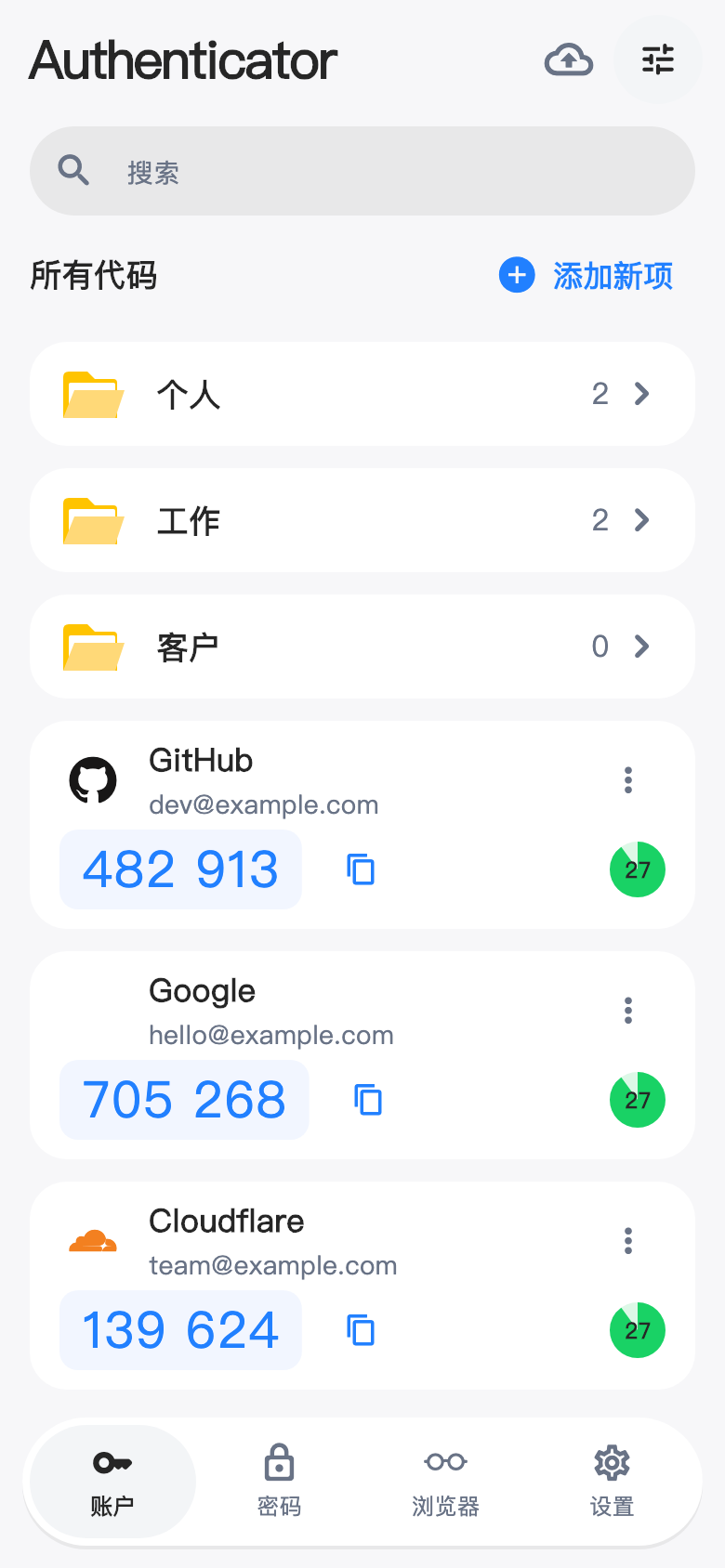
Search, pin, and group your accounts. Generate time-based codes directly on your device.
Export your accounts and store the file somewhere safe. Exported JSON contains readable secret keys.
Your local vault is encrypted on your device. Add a PIN and use supported system biometrics to protect access. No cloud activation is needed for local codes.
Read our privacy policy ↗No sign-up is required for local codes. Cloud sync is optional and is activated separately with an authorization code.
Yes. Once an account is added, TOTP codes are generated locally. Keep your device date and time correct. Cloud sync requires a connection.
Use a backup you previously exported, or the recovery flow if you activated cloud sync and saved its recovery key. A device-bound local history is not a replacement for a separate backup.
Find help with setup, backups, sync, or data deletion. Never send us your secret keys, verification codes, PIN, or recovery key.